

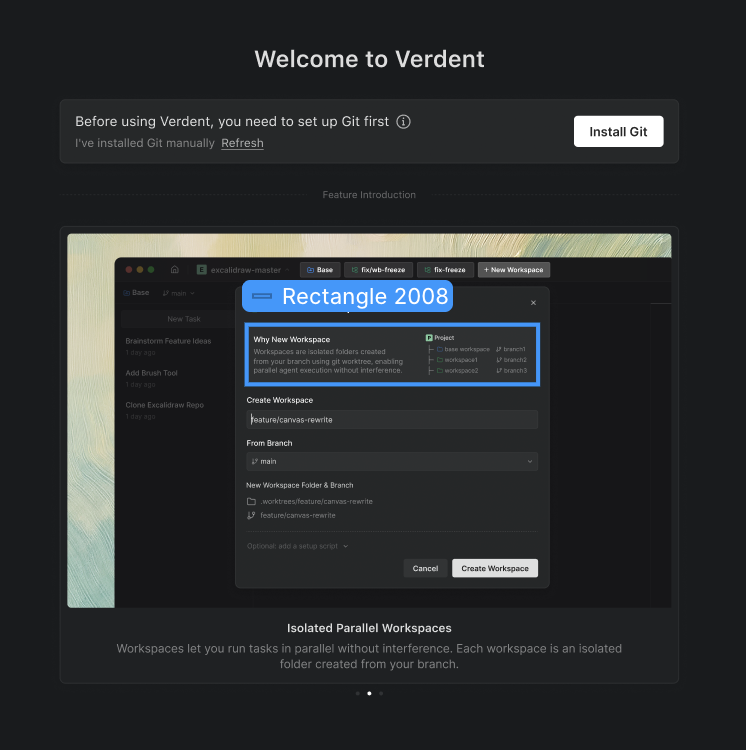
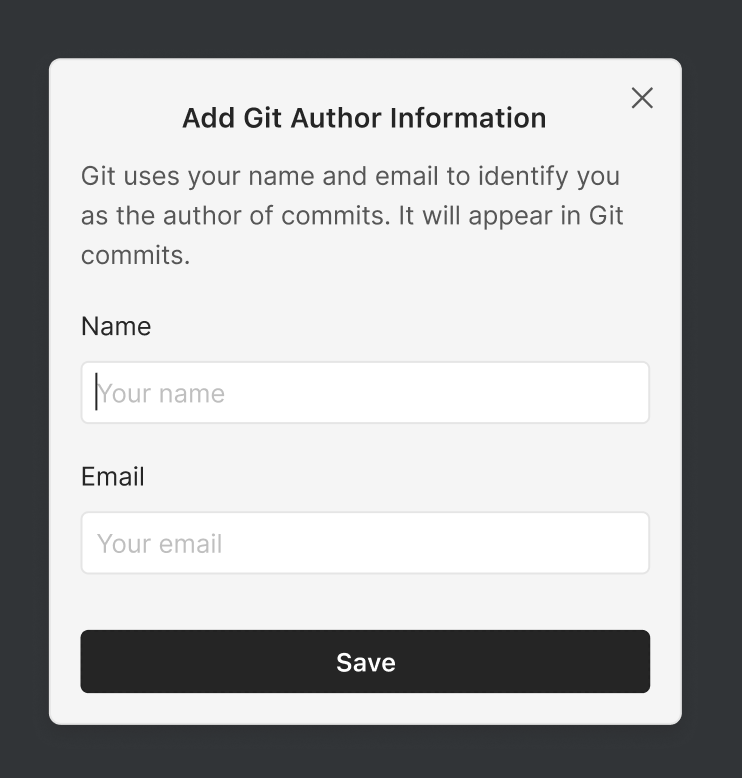
On first launch, Verdent checks whether Git is available and compatible. If Git is missing or outdated, Verdent will prompt you and guide you through installation. Verdent also prompts for Git author configuration when needed.
Why Verdent Uses Git
Verdent relies on Git worktrees to manage isolated workspaces safely:| Feature | What Git Enables |
|---|---|
| Workspace Isolation | Separate working directories via worktrees |
| Independent Changes | Each workspace can have its own branch and state |
| Git Workflow Compatibility | Works with standard Git tools and workflows |
- Welcome Screen
Manual Installation
If you prefer to install Git yourself:- macOS: git-scm.com/download/mac or
brew install git - Windows: git-scm.com/download/win
git --version.
FAQs
What is Git?
What is Git?
Git is a free, open-source version control system that tracks changes to your files. Verdent uses Git worktrees to create isolated workspaces.
Can I use Verdent without Git?
Can I use Verdent without Git?
No. Git worktrees are fundamental to Verdent’s workspace isolation. Without Git, Verdent cannot create or manage isolated workspaces.
What if my project isn't a Git repository?
What if my project isn't a Git repository?
Verdent can still work with folders that are not Git repositories. If Git initialization is required for workspace isolation, Verdent will prompt you and guide you through the next step.